
Find the original download.
Use the platform where you placed the order. A purchase on one shop does not create an order in the other.
Bought on Etsy
Open Etsy in a browser on your phone or computer. Sign in to the account used for the order, open Purchases, then choose Download Files beside the digital purchase. Etsy's app does not currently provide digital downloads.
Checked out as a guest? Use the download link in your receipt email. If payment is still processing, the files may not be available yet. If the download is a ZIP, extract it before opening the individual files.
Etsy's current download instructions
Bought on Gumroad
Open the receipt sent to your purchase email address and select View content. Enter that same email if prompted. If the purchase is linked to your Gumroad account, you can also find it in your Gumroad Library.
Cannot find the receipt? Check your spam folder and follow Gumroad's missing-receipt help. You do not need to buy the product again.
Gumroad's download instructions
Before printing
Save the files somewhere you can find again. Read any included START-HERE guide, then open the buyer PDF or image. A listing photo, social post or screenshot is a preview, not the print file.
Print the free browser worksheets.
The weekly reset, habit tracker and art mini open as web pages. No Etsy order, checkout or email is needed. The habit tracker is for handwritten tracking; the art mini is a finished design.
On the Weekly Reset page, you can optionally type short entries, one per line, or leave it blank for handwriting. The page does not save your entries. Keep the worksheet tab open until you print. Follow any displayed fit warning and shorten entries that do not fit before printing.
Weekly Reset's Print or save PDF includes your entered text once it fits. Download blank Letter PDF gives you an empty static sheet. On the habit tracker and art mini, choose Download Letter PDF for a ready-to-print copy, or Print or save PDF to print the web page.
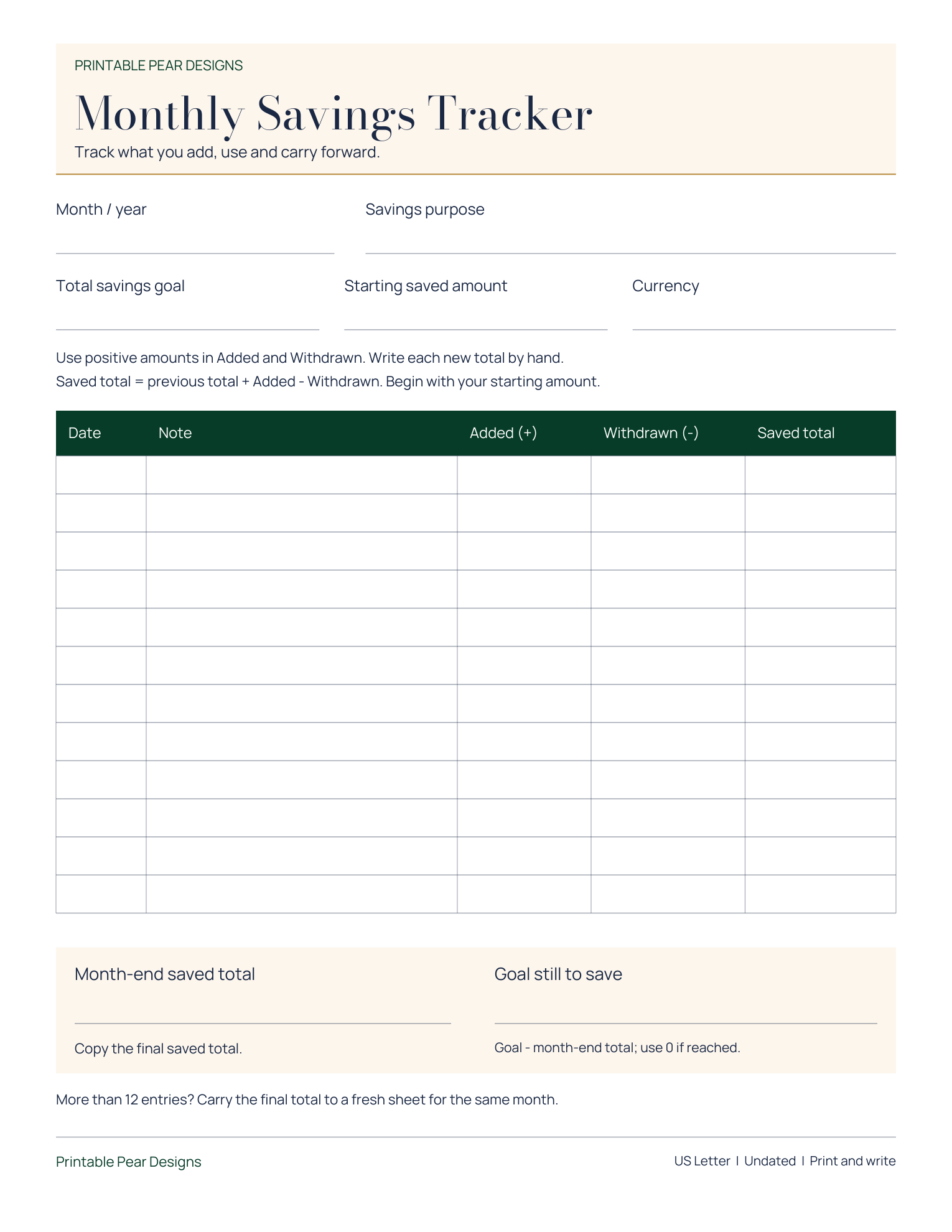
Each free PDF contains one US Letter page (8.5 x 11 inches). Your browser may save the file or open it in a PDF viewer; use the viewer's download option if needed. Open the saved file before printing and check the paper size and preview. These are static PDFs, with no fillable fields or automatic calculations.
On a computer
- In Chrome on Windows, choose Print or save PDF, or press Ctrl + P. Select your printer to print now, or Save as PDF to keep a copy.
- Start with US Letter (8.5 × 11 inches), Portrait and one page per sheet. In Chrome's additional settings, use Margins: None and turn off Headers and footers. The worksheet supplies its own inner spacing. Turn on Background graphics to retain colored areas.
- Check that the preview contains one complete sheet, including its heading and footer. Then print a test page, or save the PDF somewhere you can find it. Open the saved file and check it before printing more copies.
These layouts are designed for Letter paper. If you need a different paper size, save a Letter PDF first and use the paper and scaling guidance below. Fitting it to another size changes the writing space.
On a phone or tablet
- iPhone or iPad: open the worksheet in Safari, tap Share, then Print. Select an AirPrint printer on the same Wi-Fi network.
- Android with Chrome: open the worksheet, tap More, then Share and Print. Choose a printer, or select Save as PDF if offered.
Phone menus and available print settings vary. Review the whole sheet before sending it to the printer. If the button does not open a print screen inside another app, open the worksheet in Safari or Chrome and use that browser's menu.
Browser help: Chrome on a computer, Chrome on Android and Apple AirPrint.
Match the file to the paper.
US Letter is 8.5 × 11 inches. A4 is 210 × 297 mm. They are different shapes. If both versions are supplied, choose the one that matches your paper and select that paper size in the print dialog. Some products include only one size.
If your paper does not match the file, fitting the page can make it usable, but the printed dimensions and writing space will change. Check the listing before buying if a specific size matters.
| Setting | What it changes |
|---|---|
| Actual size / 100% | Keeps a PDF at its intended physical size. Content outside your printer's printable area can be cut off, so inspect the preview and test first. |
| Fit | Scales the page to the printable area. This can shrink or enlarge it. Useful when all content must fit, but unsuitable when exact artwork or frame dimensions must stay unchanged. |
Names vary between print apps. In Adobe Acrobat, Actual size preserves scale and Fit adjusts it to the printable area. Look at the selected paper, orientation, preview and scale before printing.
Print one page before the batch.
- Choose one page with a heading, fine lines and footer. Start with single-sided printing unless the product instructions say otherwise.
- Check every edge for clipping. Confirm the writing space, text and lines are comfortable to use.
- If dimensions matter, measure the test print. Adjust the setting or choose another supplied file before printing the rest.
Paper, ink, printer settings and your screen can change the way colors look. Borderless printing depends on the printer and selected paper; it may crop or enlarge the image. A print shop can help when your required size exceeds your printer's capacity.
For art, check the shape as well as the size.
Use the exact supplied size that matches your frame's required print size. Check whether a mat changes the visible opening. The width-to-height ratio determines whether an image fits without cropping or empty space.
| Ratio | Example print sizes |
|---|---|
| 4:5 | 4 × 5, 8 × 10 and 16 × 20 inches share the same proportions. |
| 5:7 | 5 × 7 inches has a different shape from 8 × 10. |
| 11:14 | 11 × 14 inches is a separate ratio; do not assume an 8 × 10 file fits it unchanged. |
A matching ratio does not guarantee that a file has enough resolution for a larger print. Use the sizes supplied in your purchase. For a JPG or PNG, confirm the intended physical print dimensions in your photo-printing app; a pixel count alone is not a paper-size setting.
Keep an exact-size art PDF at 100% when the paper and printer can accommodate it. An 11 × 14 print cannot fit at full size on Letter paper. Choose larger paper or a print service instead of silently shrinking it to fit.
Know what kind of file you bought.
- Static printable PDF
- Designed to print and write on. It does not promise fields you can type into, an editable design or automatic calculations.
- Fillable PDF
- Includes entry fields only when the listing explicitly says so. Use a compatible PDF app. Fillable fields do not by themselves mean that totals calculate automatically.
- Canva or another app template
- Includes access or editing features only when stated in the listing. Account needs, editable elements and export requirements vary. A PDF does not automatically include a Canva template or a paid app subscription.
- JPG or PNG artwork
- An image file. Select the supplied size or intended dimensions and review any cropping in the print preview.
If the first print looks wrong.
- The page looks too small.
- Check for Fit or another scaling setting, a paper-size mismatch, or multiple pages per sheet. Return to one page per sheet and test the intended size.
- Text or artwork is cut off.
- Check paper size and orientation. For a worksheet, Fit may preserve the content at a smaller scale. For exact-size art, use suitable paper or a print shop. Avoid forcing borderless mode without checking its crop.
- The print is blurry.
- Confirm you opened the original purchased file, not a preview or screenshot. Avoid enlarging it beyond the supplied dimensions, and check the printer's quality setting.
- The download is missing or will not open.
- Return to your Etsy order or Gumroad receipt, confirm payment has completed and extract a ZIP if supplied. Download again if needed. For Etsy orders, contact the shop through your purchase. For Gumroad orders, reply to your receipt. Include the product name, file name, app, paper size and a screenshot of the problem.
Keep the product instructions nearby. File counts, sizes and editing options vary by listing. This guide helps you choose print settings; it does not add files or features to a purchase.