
Monthly Budget Planner
Put bills, income and monthly dates in one place. Print the pages you need, then keep the record in your own handwriting.
72 pages · US Letter PDF · Undated
$7.99 USD. Digital download; no physical item ships.
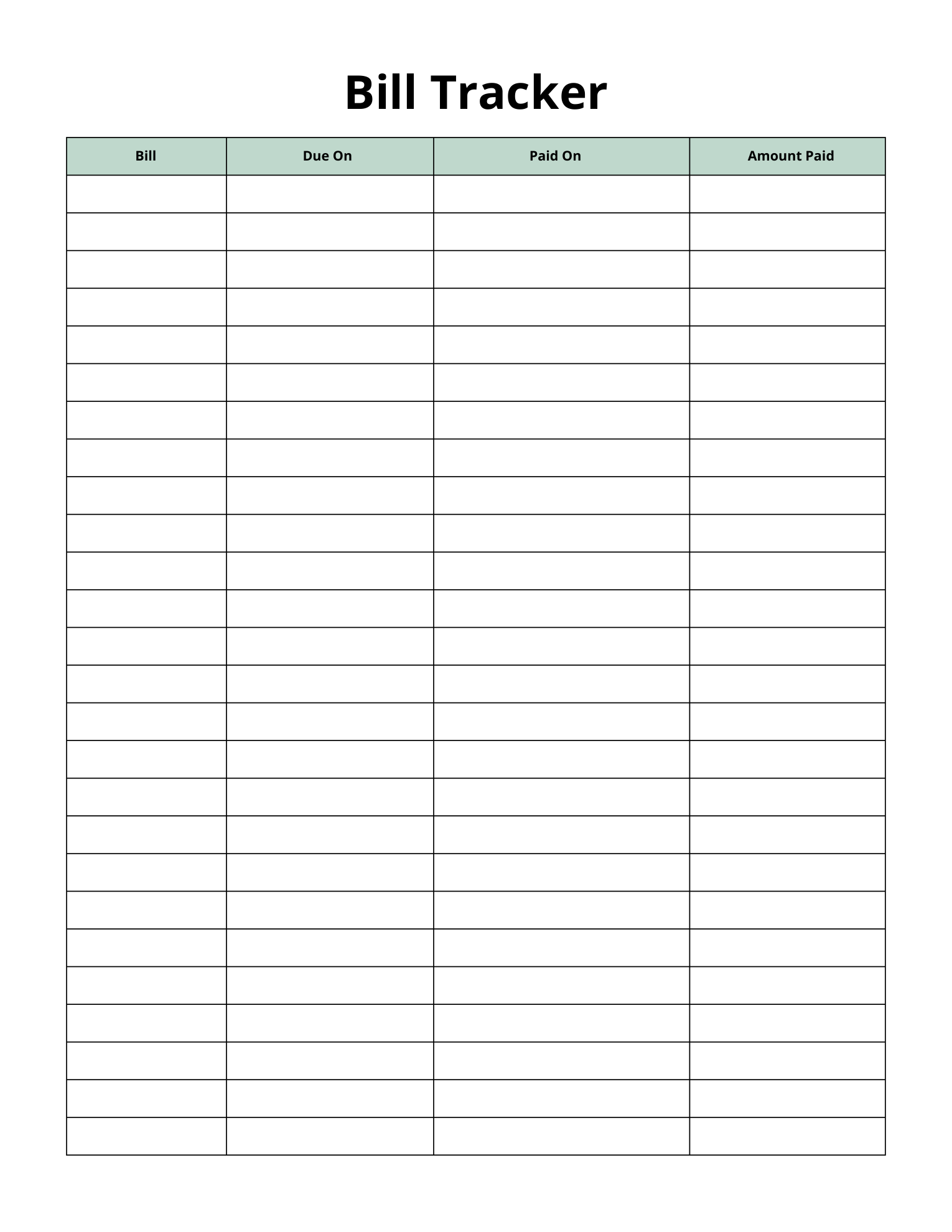
Start with the bills you already know.
You do not need to fill all 72 pages at once. A calendar, bill tracker and income tracker give you a practical place to begin.
The PDF also includes spending and savings pages, budget worksheets, and bank and card records. Choose the pages that fit the month ahead.
For a separate one-page savings record, see the Monthly Savings Tracker in Letter and A4.
- Choose your pages.
Print a monthly calendar, Bill Tracker and Income Tracker on US Letter paper. Add your own year and dates to the calendar.
- Write down what is coming up.
List your bills and their due dates. Add those dates to the calendar so you can see the month together.
- Update the record as you go.
When you pay a bill, note the date and amount paid. Record income by date and source on the Income Tracker.
Fictional worked example · USD
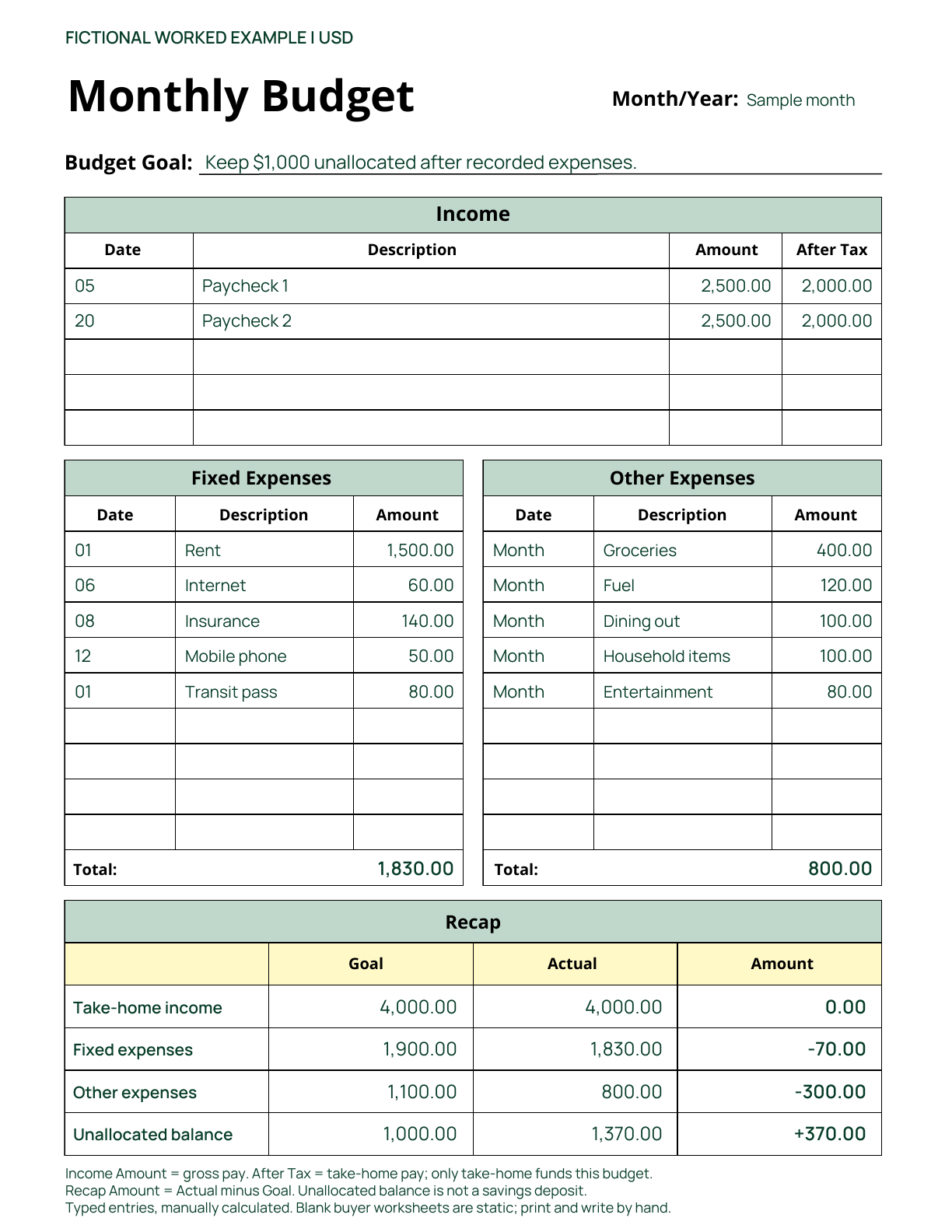
See how one month adds up.
Two paychecks and ten expense entries show how the Monthly Budget worksheet separates take-home pay, spending and the amount left unallocated.
- Start with take-home pay.
Two paychecks of $2,000 after tax total $4,000. The Income table also shows $5,000 gross pay in its Amount column; do not add gross and take-home together.
- Total the recorded expenses.
Fixed expenses are $1,830; other expenses are $800. The Other Expenses rows summarize the month by category, so their Date entries read Month.
- Work out what is unallocated.
$4,000 − $1,830 − $800 = $1,370 unallocated. This is a remaining balance, not a recorded savings deposit.
Typed sample entries show manual use of the actual page 17 worksheet. The purchased planner contains blank, static pages; you write in your own figures and calculate the totals yourself.
How to read this example’s Recap
Goal is the plan; Actual is the recorded total. In this example, the Amount column means Actual minus Goal.
- Take-home income
- Goal $4,000 · Actual $4,000 · Amount $0
- Fixed expenses
- Goal $1,900 · Actual $1,830 · Amount −$70
- Other expenses
- Goal $1,100 · Actual $800 · Amount −$300
- Unallocated balance
- Goal $1,000 · Actual $1,370 · Amount +$370
The negative expense differences mean spending was below this fictional plan. The resulting $370 difference remains unallocated.
See the pages you will use.
These are full, unchanged pages from the current download. Open any preview at full size to inspect the writing space and labels.
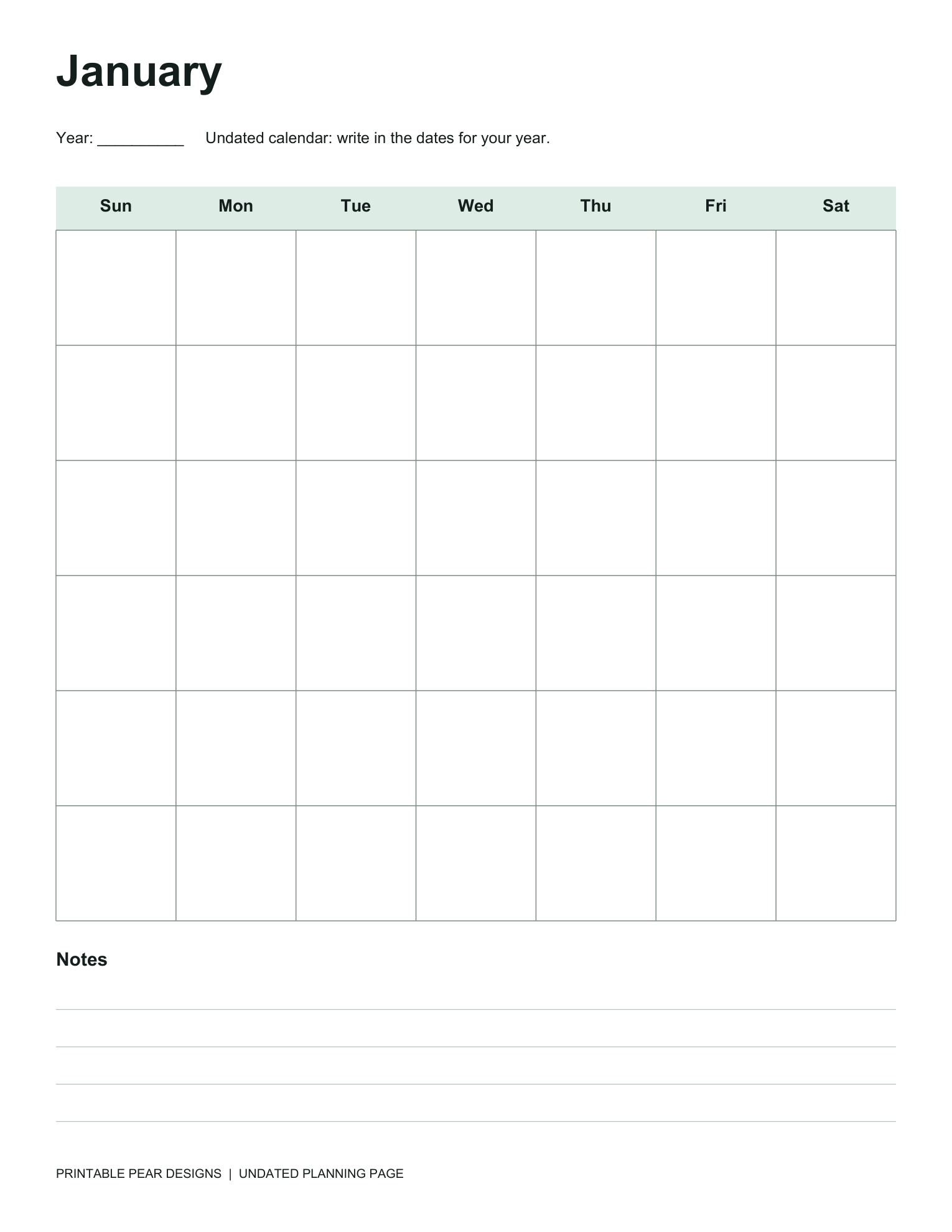
January through December have blank dates, so you can use the year you need.
Open the calendar preview at full size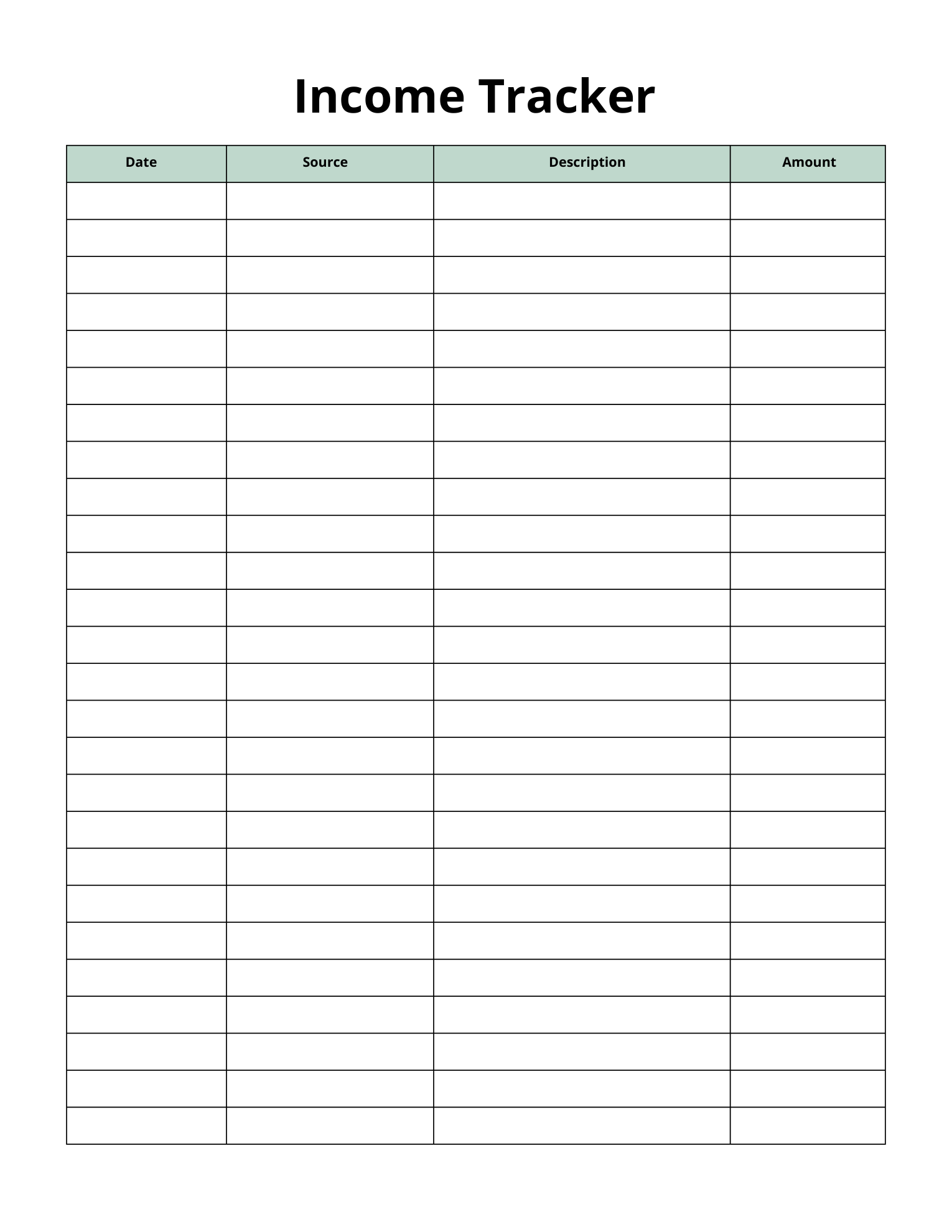
Keep the date, source, description and amount of each entry together.
Open the income preview at full size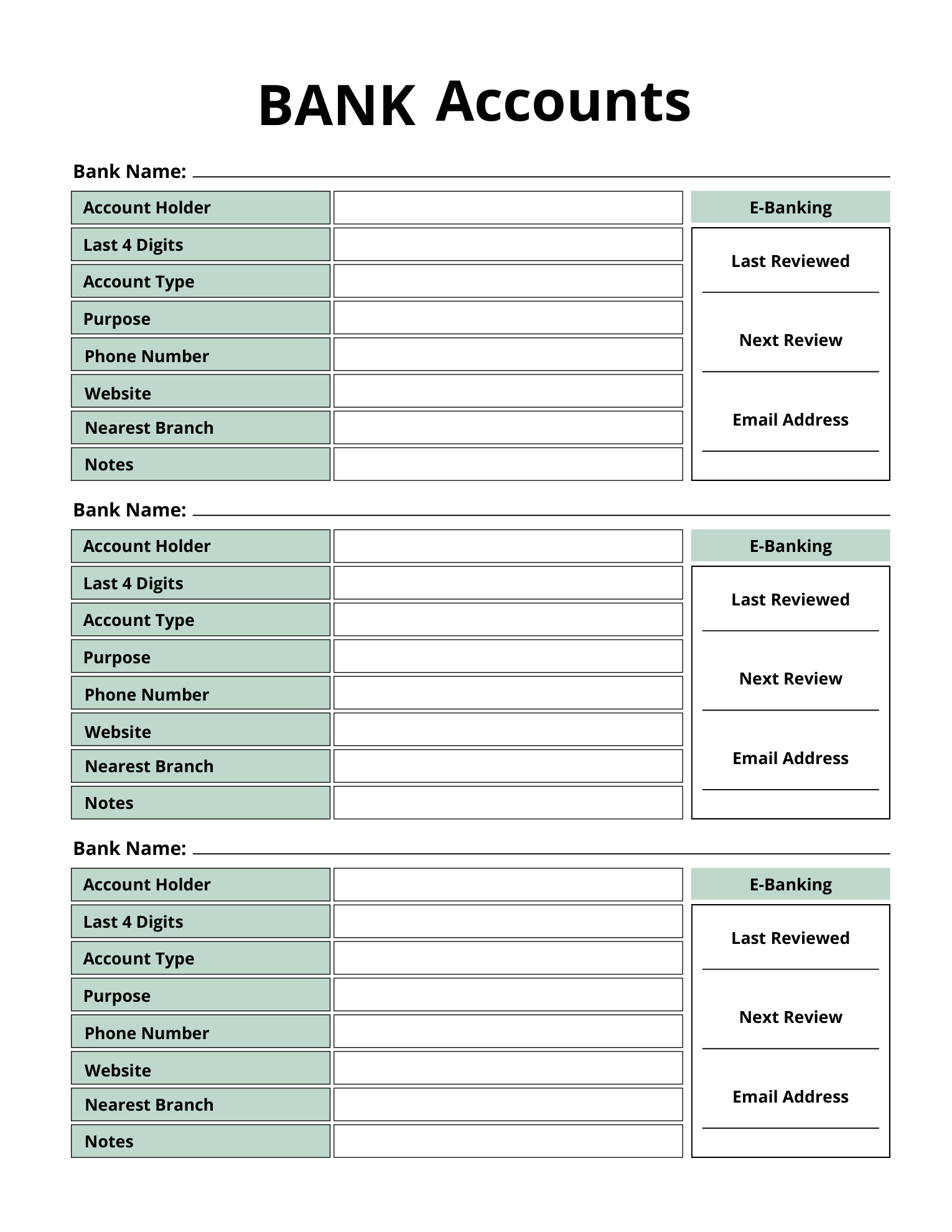
Keep account references, their purpose and your review dates on one page.
Open the bank account preview at full size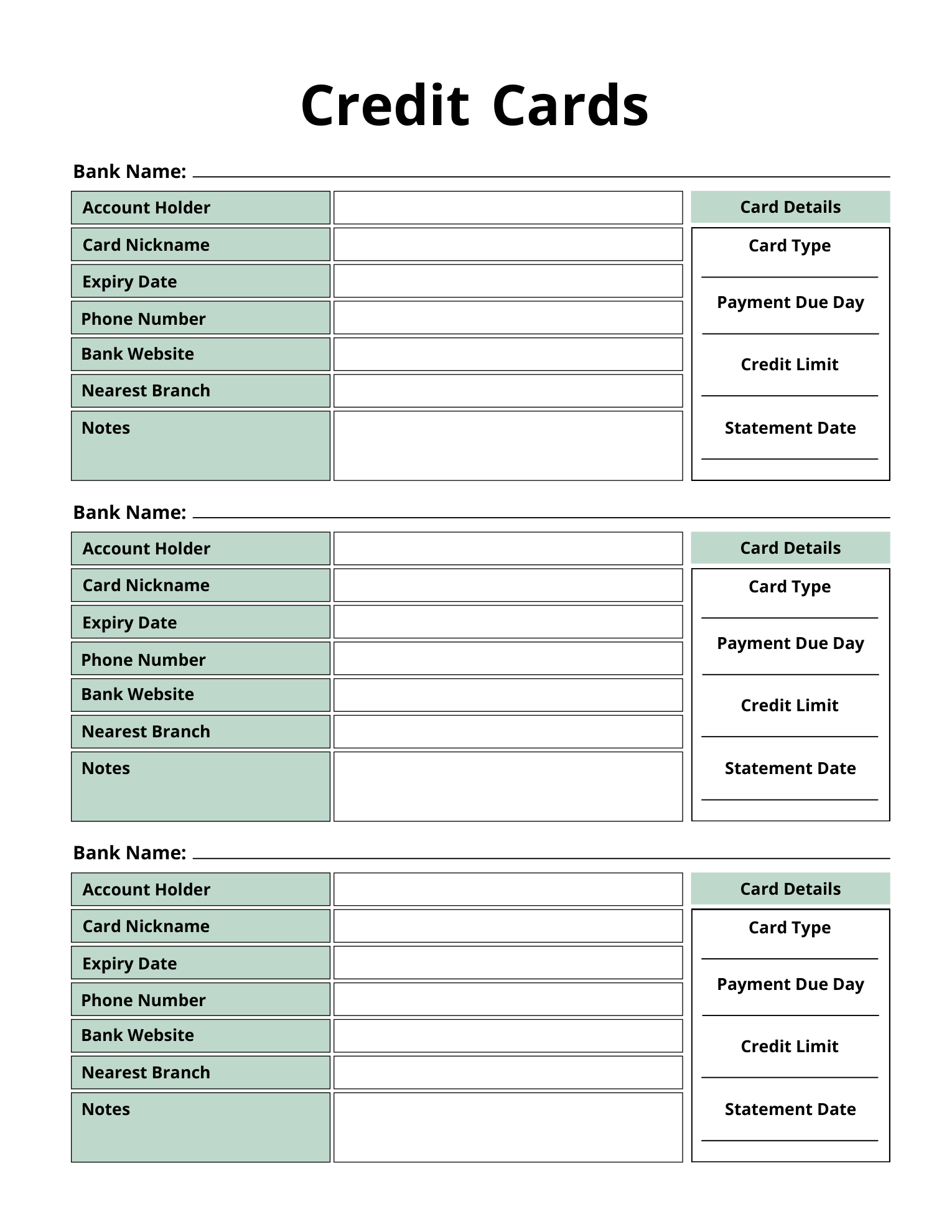
Record the card nickname, payment due day, credit limit and statement date.
Open the card preview at full sizeExactly what you receive.
- ✓One PDF containing 72 printable pages
- ✓US Letter, 8.5 × 11 inches
- ✓Undated calendars with space for your own year and dates
- ✓$7.99 USD, with checkout and digital delivery through Etsy
Made to print and write in.
Print selected pages at actual size on US Letter paper. Check your printer settings before printing the full file.
The PDF is static, not fillable or editable. An A4 version is not included. No printed planner, binder or other physical item ships.
For this US Letter budget planner, check your paper and scaling settings before printing your selected worksheets.
Buy the planner on EtsyBefore you buy.
Can I start in any month?
Yes. The January through December calendars have no fixed dates or year. Fill in the dates you need and print the pages you want to use.
Can I type into the PDF?
No. This is a static, print-and-write PDF, with no fillable fields or editable template included.
How do I receive my download?
Complete checkout on Etsy. Etsy makes the PDF available to download after payment is confirmed. No physical package is sent.
Give the month a place on paper.
See the complete listing and download terms on Etsy.
Monthly Budget Planner · $7.99 USDPlanning the home, too?
Keep home systems, service records and repair quotes in a separate home maintenance binder.
Explore the Home Maintenance Binder